Written by:
Stay updated with Roku Advertising.
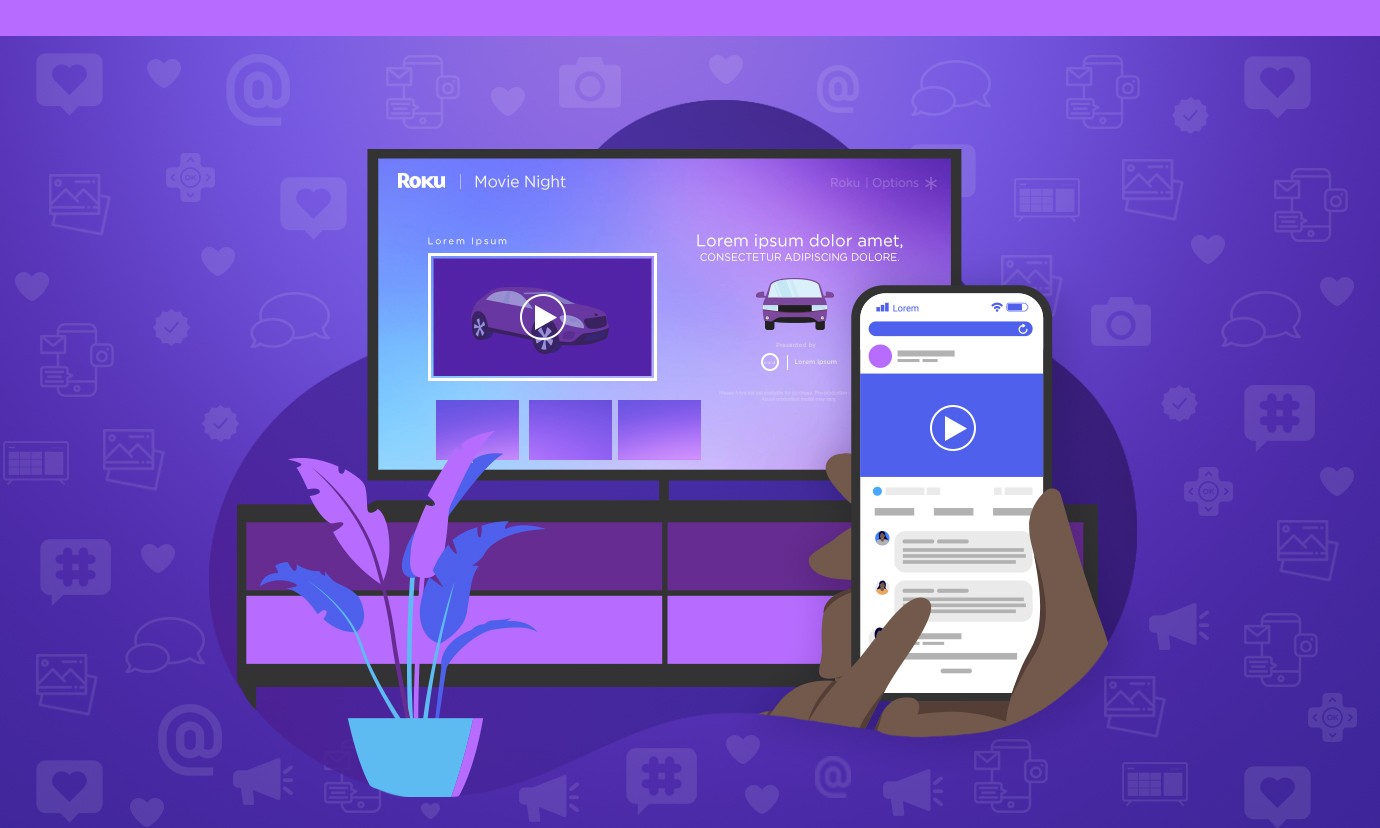
If you've been running social media marketing programs for a while, you know that the power of social is in the precision, scale, and reach of social advertising.
The next frontier is TV streaming. And, for social marketers who are looking for their next big conversion channel, setting up a TV streaming campaign in OneView might be more familiar than you think.
In “The Social Media Marketer’s Guide to TV Streaming,” you’ll learn exactly how to launch a TV streaming ad campaign with OneView – and why, if you’re already running paid social campaigns, the platform will already be familiar to you.
In this guide, you'll learn the basics of OneView, including how to:
- Set Campaign Budget & Duration
- Choose Your Campaign Goal
- Select Your Audiences
- Upload Your Creative
- Analyze Campaign Results & Optimize Budget
Fill out the form to get the full guide, "The Social Media Marketer’s Guide to TV Streaming."